
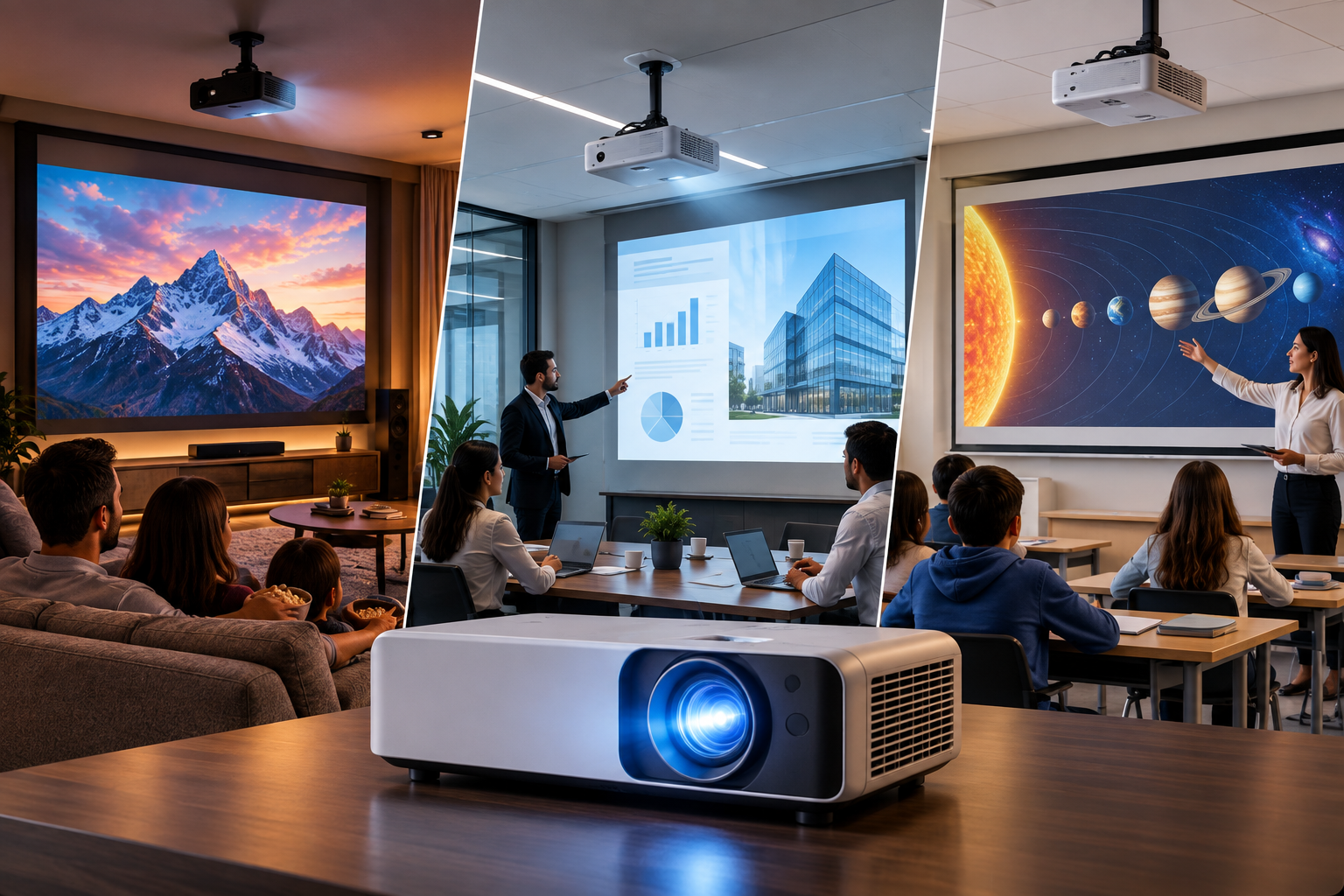
How to Choose the Right Projector for Your Home, Office & Classroom
Picking a projector isn't as simple as grabbing the first one that pops up on your screen. Whether you're setting up a home theater, kitting out a boardroom, or upgrading a classroom, the right projector depends on a handful of key factors that most buyers overlook until it's too late — like realizing your "cinema-quality" projector looks washed out because your living room gets too much afternoon sun.
At Jambar, we believe choosing a projector should feel exciting, not overwhelming. So let's break down exactly what matters, in plain language.
1. Brightness: The Make-or-Break Factor
Brightness is measured in lumens, and it's arguably the single most important spec to get right — because even a projector with stunning resolution will look dull and washed-out if it doesn't have enough brightness for your space.
Here's a simple rule of thumb:
- 1,500–2,500 lumens → Great for dark home theater rooms with controlled lighting
- 2,500–4,000 lumens → Ideal for living rooms with some ambient light
- 4,000+ lumens → Best for offices, classrooms, and conference rooms with regular lighting
If your room has big windows or bright overhead lights, don't cheap out here. A dim projector in a bright room is one of the most common regrets buyers have.
2. Resolution: Sharpness That Actually Matters
Resolution determines how crisp and detailed your image looks. The main options today are:
- HD (720p) – Budget-friendly, fine for casual use or small screens
- Full HD (1080p) – The sweet spot for most homes, offices, and classrooms
- 4K UHD – Premium clarity, perfect for movie lovers, gamers, and professional presentations
For everyday use — streaming, presentations, teaching — 1080p hits the perfect balance of price and picture quality. Save 4K for when you genuinely want that cinematic, ultra-sharp experience.
3. Throw Distance: Where You Place It Matters
Throw distance is the space between the projector and the screen needed to produce a specific image size. This is often ignored — until someone realizes their projector doesn't fit their room layout.
- Standard throw projectors need more distance from the screen (great for large rooms)
- Short throw projectors can produce a big image from just a few feet away (perfect for small rooms or classrooms)
- Ultra short throw (UST) projectors sit almost flush against the wall — ideal for tight spaces or wall-mounted setups
Before buying, measure your room. A projector that needs 12 feet of throw distance is useless in a compact office or bedroom.
4. Screen Size: Bigger Isn't Always Better
Screen size should match your room size and seating distance, not just your excitement level.
- Small rooms/offices: 80–100 inch screens work best
- Living rooms/home theaters: 100–150 inches for that immersive feel
- Classrooms/auditoriums: 120+ inches to ensure visibility from the back row
A good rule: sit about 1.5x the screen's diagonal size away from it for the most comfortable viewing experience.
5. Usage: Match the Projector to Its Purpose
This is where everything comes together. Ask yourself: what will I mainly use this projector for?
- Home Entertainment – Prioritize brightness control, contrast, and audio quality for movies and gaming
- Office Presentations – Focus on high lumens, sharp text clarity, and easy connectivity (HDMI, wireless casting)
- Classroom Teaching – Look for durability, eye-care features, and short-throw options for smaller spaces
There's no single "best" projector — only the best projector for your specific need.
Final Thoughts
Choosing the right projector comes down to understanding your space, your lighting, and how you'll actually use it. Get the brightness, resolution, throw distance, and screen size right, and you'll enjoy a viewing experience that feels premium — without unnecessary overspending.
At Jambar, we design projectors that make this decision easier, combining performance, clarity, and value so you get the perfect fit for your home, office, or classroom.
